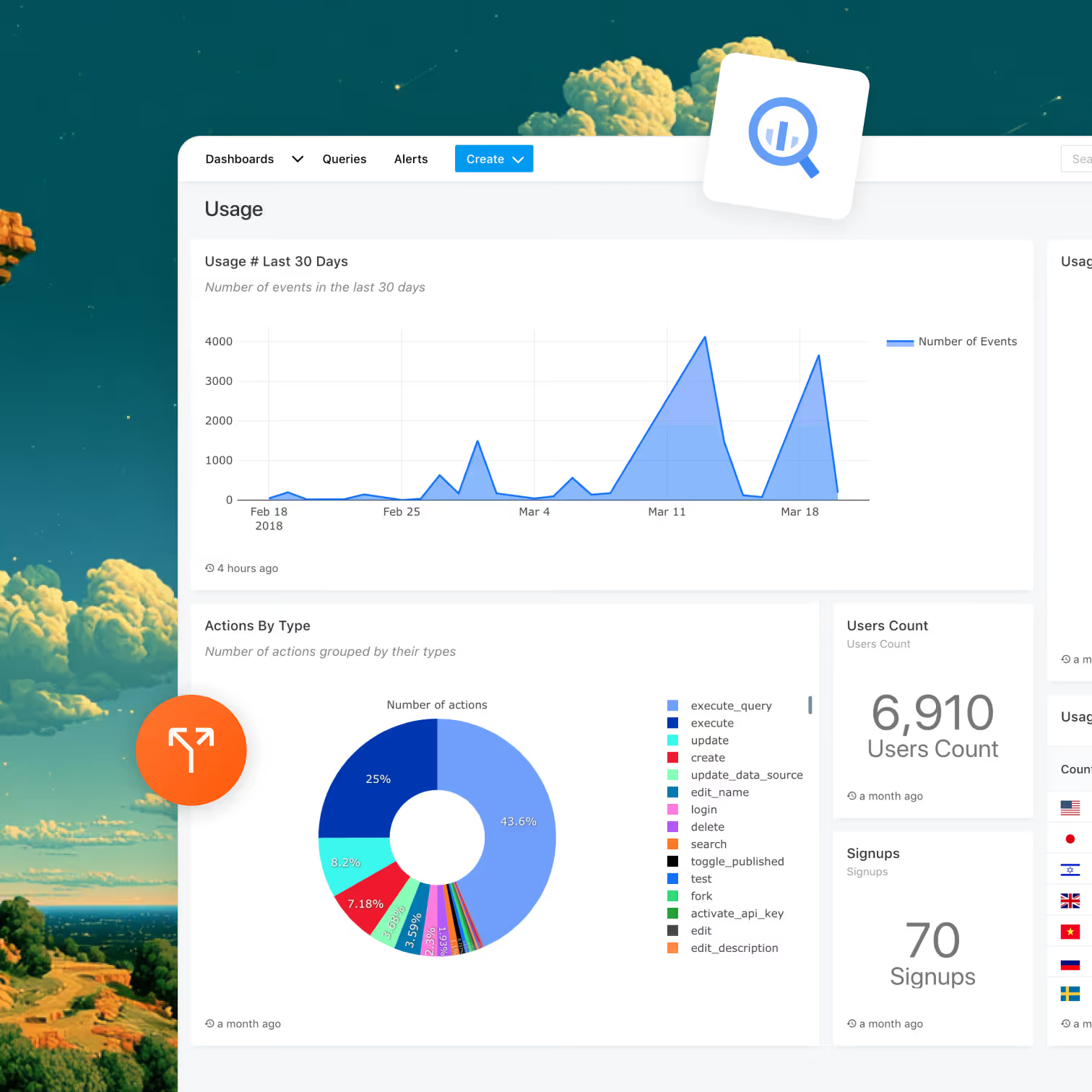
Data warehouse integration

Pipe A/B test data into your warehouse: Optibase + BigQuery integration

Optibase exports your test data to BigQuery using a service account you control. Variant assignments, conversions, visitor IDs, and event timestamps land in your dataset, ready to join with Stripe revenue, product events, or anything else already in your warehouse.
Service-account auth. You provision the credentials, you control the keys.
Event-level data. No aggregations, no sampling. Built for joining.
Joinable with everything. Stripe revenue, GA4 BigQuery export, product events, CRM exports.
Header image
Join 3000+ companies already testing with Optibase
About BigQuery

What is BigQuery?

BigQuery is Google Cloud's serverless data warehouse. It is the de-facto standard for SaaS data teams, partly because GA4 exports natively to it and partly because it scales to petabytes without any infrastructure to manage. If your company has a warehouse, there is a good chance it is BigQuery.
For experimentation, BigQuery is the missing piece between "the test won" and "the test made us money". Most A/B testing tools show you conversion rate. BigQuery lets you join variant exposure to your actual revenue, retention, and product activity tables, so you can answer the questions that conversion rate alone cannot.
Why this integration

Why Connect Optibase + BigQuery

Conversion tracking icon

True attribution by joining variant data with revenue and retention

The Optibase results page tells you which variant won on conversion rate. BigQuery tells you which variant moved actual revenue, kept users around longer, and drove deeper feature usage. Join the variant table with Stripe charges, product events, and your CRM, and "did the test make money?" becomes a SQL query.
A/B testing icon

Custom analysis without waiting on a feature request

Every A/B testing tool eventually shows you the report it wants to show you. With raw event-level data in BigQuery, you build whatever report your team needs. Custom Bayesian models in dbt, retention curves cut by product surface, segment-level lift analysis, none of it requires Optibase to build a feature for it.
No flicker icon

Source-of-truth schema that survives any tool migration

A common reason teams hesitate to commit to an A/B testing tool is fear of being locked in. With BigQuery as the receiving end, your historical test data lives in your warehouse, in a format you control. Switch tools next year if you want, the historical record stays.
Use cases

What you can run with Optibase + BigQuery

Revenue attribution via Stripe + Optibase join

Pipe Optibase variant assignments into BigQuery. Pipe Stripe charges via the Stripe-to-BigQuery export. Join on user ID and you have MRR per variant for every test you have ever run, with no manual report-building. The classic "did the test make money?" answered for the entire test history.

Long-tail retention curves cut by variant

Most A/B tools time out their reporting at the test window (a few weeks). BigQuery lets you measure 90-day retention or 6-month LTV per variant by joining variant assignments with product event data over arbitrary timeframes.

Custom statistical analysis in dbt or Python

Pull the variant table into dbt or a Jupyter notebook. Run your own Bayesian model, your own sequential testing analysis, your own segment-level cuts. Optibase ships P2BB statistical analysis out of the box, but if your team wants a custom approach, BigQuery is where it gets built.

Cross-team reporting via Looker, Mode, Hex, or Metabase

Once data is in BigQuery, every BI tool in your stack can use it. Looker dashboards, Mode notebooks, Hex apps, Metabase reports, all can pull variant exposure and join it with whatever else lives in the warehouse.
Setup

How to set up the BigQuery integration

The setup uses a Google Cloud service account that you create. About ten minutes end to end.

Create a BigQuery dataset

In the Google Cloud Console, open BigQuery and create a new dataset (or pick an existing one). The dataset is where Optibase will write your test data.

Create a service account

In Google Cloud → IAM & Admin → Service Accounts, create a new service account. Name it something like optibase-bigquery-sync.

Grant the BigQuery Data Editor role

On the service account, add the role BigQuery Data Editor, scoped to the dataset you just created. This is the only permission Optibase needs. Editor-on-dataset, not Editor-on-project.

Download the service account JSON key

Create a key for the service account, choose JSON, and download the file. You will paste this into Optibase next.

Configure BigQuery sync in Optibase

Open Optibase Dashboard → Settings → Integrations → BigQuery. Paste the service account JSON, choose the GCP project and dataset, and save.

Verify the connection and wait for the first export

Optibase exports test data to BigQuery automatically based on your workspace configuration. Once the first export runs, you will see Optibase tables appear in your BigQuery dataset, populated with experiment impressions, conversions, visitor identifiers, variant assignments, event timestamps, and experiment metadata.
What syncs

What gets sent to BigQuery

Data

Direction

Frequency

Sent as

Experiment impressions

Optibase → BigQuery

Batch export

Tables in your dataset

Experiment impressions

Optibase → BigQuery

Batch export

Tables in your dataset

Visitor identifiers

Optibase → BigQuery

Batch export

Column in tables

Variant assignments

Optibase → BigQuery

Batch export

Column in tables

Event timestamps

Optibase → BigQuery

Batch export

Column in tables

Experiment metadata

Optibase → BigQuery

Batch export

Column in tables

BigQuery → Optibase

n/a

n/a

The integration is one-way

DataDirectionFrequencySent as
Experiment impressions Optibase → BigQuery Batch export Tables in your dataset
Experiment conversions Optibase → BigQuery Batch export Tables in your dataset
Visitor identifiers Optibase → BigQuery Batch export Column in tables
Variant assignments Optibase → BigQuery Batch export Column in tables
Event timestamps Optibase → BigQuery Batch export Column in tables
Experiment metadata Optibase → BigQuery Batch export Column in tables
BigQuery → Optibase Not applicable n/a The integration is one-way

The exact table names and column-level schema follow your workspace configuration and are documented in the Optibase BigQuery docs. The data is event-level, not aggregated, ready for joins on visitor or test ID.

Browse integrations

Optibase integrates with the rest of your stack

Google Analytics 4

The Google Optimize replacement. Variant exposure lands in GA4 as an event parameter, native or via GTM. Build variant-aware audiences for Google Ads remarketing.

Learn more

Mixpanel

Auto-detected. Variant exposure lands as a Mixpanel event with variantId and testId. Works in any Insight, Funnel, Retention, or Cohort.

Learn more

Amplitude

Variant assignment events flow into Amplitude. Skip the Amplitude Experiment seat. Analyze in your existing Amplitude dashboards.

Learn more

PostHog

PostHog Actions detect Optibase data attributes natively. Pair Optibase marketing-page testing with PostHog's product analytics.

Learn more

Stripe

Server-to-server attribution that survives Stripe Checkout's domain change. Pass the Optibase user ID via client_reference_id, fire conversions from your webhook, see revenue per variant on every test.

Learn more

Google Tag Manager

Trigger Optibase conversions from any GTM event with optibaseSendConversionEvent('your-conversion-id'). Push variant data into the dataLayer for every other tag to consume.

Learn more

MCP Server

Hosted Model Context Protocol server at https://my.optibase.io/api/mcp. Read tests, conversions, heatmaps, and traffic from Claude Desktop, Cursor, or any MCP-compatible client.

Learn more

Custom API

Active Variants API in the browser. Conversion endpoint for server-to-server events. External user IDs. Reverse-ETL flows.

Learn more
FAQ

Frequently asked questions about the BigQuery integration

How do I A/B test with BigQuery?
BigQuery itself is a data warehouse, it does not run tests. Optibase runs the test no-code, then exports test data (variant assignments, conversions, visitor IDs, timestamps, metadata) to your BigQuery dataset on a schedule. From there, you join the variant table with anything else in your warehouse (Stripe revenue, product events, CRM data) to answer business-level questions about your tests.
Is the data streamed in real time or batched?
Batched. Optibase runs scheduled exports based on your workspace configuration. For real-time variant exposure tracking, use the Mixpanel, Amplitude, or GA4 integrations. BigQuery is the right destination for analytical and historical work, not for real-time dashboards.
What permissions does Optibase need on my BigQuery project?
One role: BigQuery Data Editor, scoped to a single dataset that you create for Optibase. Optibase does not need project-level access, does not read other datasets, and does not need any IAM permissions outside the dataset.
Does this work with dbt out of the box?
Yes. The exported tables are standard BigQuery tables. Reference them in your dbt sources YAML, build models that join to other warehouse tables, and ship as you would with any other warehouse source.
Can I export historical data, not just new events?
New tests start exporting from the moment the integration is connected. Backfill of historical pre-connection data is not part of the standard sync. Reach out to Optibase support if you need a one-time historical backfill of past test data.
Who pays for BigQuery storage and querying?
You do, on your Google Cloud bill. BigQuery storage and querying are billed by Google directly to the GCP project you configure. Optibase only writes the data, it does not host it.
Is the BigQuery integration available on every Optibase plan?
Yes. Every Optibase integration, including BigQuery, is available on every plan including the free tier. There is no upgrade or paid feature gate.